Webflow SEO in 2026: A Practical GEO and AEO Checklist
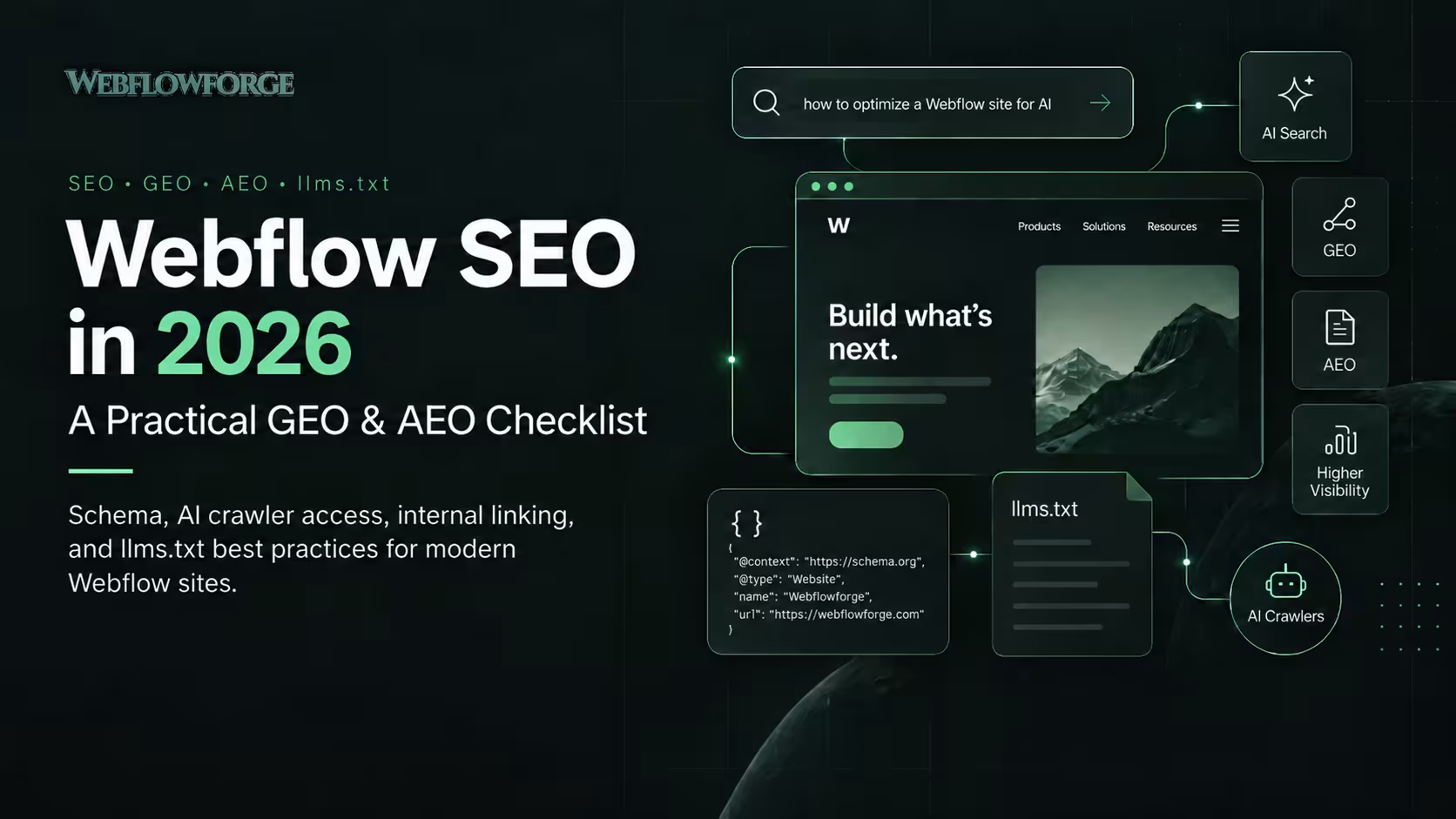


Better AI-search visibility starts with pages people can find, understand, and trust. For a Webflow site, prioritize crawl access, useful content, internal links, evidence, and accurate structured data. Then test optional tools such as llms.txt.
This workflow explains SEO, GEO (generative engine optimization), and AEO (answer engine optimization) in plain language. The code examples are implementation examples, not claims of measured ranking gains. Reviewed September 28, 2026.
What changed in A6. Give people a reason to click
Compare these illustrative titles: “Ultimate Guide to SEO” and “Webflow SEO Checklist: JSON-LD, AI Crawlers and llms.txt.” The second tells the reader what they can use. Make the body deliver that promise. Do not imply tests, results, or downloads that do not exist.
Show the problem, implementation, and outcome in a case study. Name the measurement period and other changes that might explain the result. External citations let readers verify specific claims; adding links alone does not make a page authoritative.
For site moves, connect the checklist to WordPress to Webflow migration: retaining valuable URLs, mapping redirects, and checking the destination content belong in the migration plan.
7. Make content maintenance a repeatable workflow
A practical weekly process is: export important URLs, check response status and metadata, flag missing internal links or outdated claims, prepare edits, and require human review before publication. Keep a change log. Our Webflow automation services can support the repetitive checks; AI workflow implementation covers controlled AI-assisted steps.
This browser-console check inventories JSON-LD scripts on the page you are viewing. It checks JSON parsing only, not schema correctness, indexing, or rich-result eligibility:
const scripts = [...document.querySelectorAll( 'script[type="application/ld+json"]')];console.table(scripts.map((script, index) => { try { const data = JSON.parse(script.textContent); return { index, validJSON: true, type: data["@type"] || (data["@graph"] ? "@graph" : "other") }; } catch (error) { return { index, validJSON: false, error: error.message }; }}));Measure visibility and business value separately
Record a baseline before changing the page: impressions, clicks, click-through rate, query mix, and qualified enquiries. Compare equivalent periods and note seasonality. A lower click-through rate alongside more impressions does not, by itself, prove AI answers caused the change.
Google announced generative AI performance reports in Search Console in June 2026. Check the reports available in your property and their metric definitions rather than treating all search visibility as the same thing.
For other assistants, track identifiable referral visits and conversions. Some visits lose referral information. A manual prompt check is a small observation, not a complete measure of market visibility. Record the exact question, platform, date, and cited URL if you run one.
Questions and answers
Do I need separate pages for SEO, GEO and AEO?
Usually not when they answer the same need. Build one useful resource and supporting pages for genuinely different questions. Avoid three near-identical pages with different acronyms.
Does llms.txt guarantee inclusion in ChatGPT or Google?
No. It is an optional resource for systems that choose to use it. Google says it ignores the file for Search. Crawl permission also does not guarantee indexing or citation.
Should I put schema on every page?
Use a relevant type where it accurately describes the page. A service, article, contact page, and product are different things. Inspect existing output first so your CMS and custom code do not publish conflicting versions.
Can I use AI to write SEO content?
Use it to help organize and draft, then verify sources and code. Add your experience and useful examples. Human review should check factual accuracy, outdated guidance, and unsupported sales claims.
How soon will impressions or clicks improve?
There is no reliable universal deadline. Search systems need to discover and evaluate changes. Track query-level trends over time; distinguish technical fixes, content improvements, and unrelated market changes.
What should a small team do first?
Fix access and indexing problems. Improve one commercially important page. Add one detailed supporting guide and relevant internal links. Validate the implementation and measure enquiries before expanding.
A practical publishing checklist
- The title matches the problem and the article delivers the promised detail.
- The page returns a successful response and has the intended indexing and canonical settings.
- Important explanations are readable text, with useful headings and accessible images.
- Code examples are escaped for display and labeled as examples.
- Structured data describes visible, current facts.
- Internal links point to relevant services and evidence.
- Sources support the adjacent claims and dates are honest.
- The page has an owner, review date, and a clear next step.
Need help connecting the content, CMS and technical checks? Discuss your Webflow site’s SEO workflow. Bring your priority pages and current Search Console data so the work starts with evidence.
I search?
Google's current generative AI optimization guide says SEO still matters, there is no special AI schema, and Google Search ignores llms.txt. You do not need to rewrite every page into tiny chunks. Choose a structure that helps your audience.
Google's AI features documentation explains that supporting pages must be indexed and eligible for search snippets. AI answers may search across several related subtopics. Cover the actual buying decision: the problem, options, limitations, implementation, and next step.
SEO, GEO and AEO: a practical distinction
- SEO: help relevant pages appear in search and earn useful visits.
- AEO: make the page answer a question clearly.
- GEO: work toward accurate representation and citations in generative answers.
These labels overlap. They are not three separate websites or three sets of guaranteed ranking rules.
Five problems that waste SEO time
- Impressions grow but clicks do not: the title may promise a generic answer already available in search. Add something worth opening: tested code, a decision checklist, or a documented project.
- Content goes stale: assign an owner and record which product claims need periodic checking.
- Schema drifts away from the page: keep the visible service description and structured fields in the same review process.
- Articles become orphan pages: link to each useful article from a relevant service or resource page, and link back where it helps the reader.
- AI drafts sound interchangeable: add actual implementation choices, limitations, screenshots, and source documents before publishing.
Start with one service and one buyer question
For example, “How do I stop duplicate HubSpot contacts from Webflow forms?” has a clearer purpose than “The future of automation.” Explain email matching, field mapping, retries, and when a human should review a conflict. Connect that guide to Webflow HubSpot integration, where the reader can evaluate the service.
Choose the question using your actual Search Console queries, sales calls, and support questions. This article's topic is an editorial choice; it is not based on invented keyword-volume estimates.
Code examples: schema, internal links and AI crawler access
1. Make the answer and next step clear
A short answer at the start helps a busy reader. Follow it with evidence and detail. This is an editorial technique, not a required AI-ranking format.
<h2>Can Webflow forms send leads to HubSpot?</h2>
<p>Yes. Map form fields to CRM properties, check for an
existing contact, and preserve attribution before routing.</p>
<p><a href="/webflow-hubspot-integration">
Explore Webflow HubSpot integration</a></p>
Use normal HTML links with descriptive text. Link to the specific destination once the reader needs it; do not repeat the same keyword anchor in every paragraph.
2. Describe real entities with JSON-LD
The following example uses an existing Webflowforge service URL. It illustrates Service and Organization relationships; it is not the raw source copied from the live page. Reuse stable IDs when connecting the same business across pages.
<script type="application/ld+json">
{
  "@context": "https://schema.org",
  "@type": "Service",
  "@id": "https://www.webflowforge.com/webflow-hubspot-integration#service",
  "name": "Webflow HubSpot Integration",
  "url": "https://www.webflowforge.com/webflow-hubspot-integration",
  "serviceType": "CRM Integration",
  "provider": {
    "@type": "Organization",
    "@id": "https://www.webflowforge.com/#organization",
    "name": "Webflowforge",
    "url": "https://www.webflowforge.com/"
  }
}
</script>
Service markup does not create a special Google service rich result. Google’s supported features gallery lists the types eligible for specific search treatments. Markup should explain the page accurately, not promise stars or AI citations.
Read the structured data policies. Validate syntax and vocabulary with Schema Markup Validator, then use Google's Rich Results Test for Google-supported features. A passing result is not a ranking guarantee.
In Webflow: inspect the page's existing schema and custom code first. Use one maintained source of markup for each entity instead of pasting duplicate scripts. Bind CMS article values carefully; quotes and line breaks must be correctly JSON-escaped. JSON.stringify is safer than raw string concatenation in a generated implementation.
3. Add useful Q&A without chasing FAQ stars
Put the questions and answers on the page as ordinary readable content. For a service, explain deliverables, ownership, timelines, prerequisites, and support. For a tutorial, explain failure cases. Schema.org's FAQPage vocabulary can describe a FAQ, but vocabulary support is different from Google feature eligibility. Check Google's current gallery before investing in rich-result expectations.
4. Separate crawler access from model training
OpenAI documents separate purposes for OAI-SearchBot and GPTBot. The example below allows its search crawler while opting out of GPTBot crawling. It is a policy example to merge into existing rules, not a replacement for your whole robots.txt.
User-agent: OAI-SearchBot
Allow: /

User-agent: GPTBot
Disallow: /

Sitemap: https://www.webflowforge.com/sitemap.xml
Check existing user-agent groups, CDN rules, and firewall challenges. A permissive robots.txt does not override a blocked server response. Do not use robots.txt to protect private data: use authentication. To remove a public page from search, investigate the appropriate noindex controls rather than assuming a crawl block removes it.
5. Test llms.txt as a navigation aid
The llms.txt proposal describes a Markdown overview and links to useful resources. Its August 2026 v2 update recommends discoverable Markdown alternatives. Publish only paths that actually work; do not invent .md URLs.
A live example is Cloudflare's documentation index. It demonstrates a real implementation, not proof that the file caused a traffic increase.
# Webflowforge

> Webflow development, CRM integration and workflow automation.

## Services
- [Automation](https://www.webflowforge.com/webflow-automation-services): Connect forms, CMS and business tools.
- [HubSpot integration](https://www.webflowforge.com/webflow-hubspot-integration): Map and route Webflow leads.

## Resources
- [Projects](https://www.webflowforge.com/projects): Examples of work.
- [Workflows](https://www.webflowforge.com/workflows): Implementation guides.
This is a proposed example using public HTML destinations, not a statement that Webflowforge already serves this file. Where maintained Markdown versions exist, link to those. Serve the file as text at its intended path and confirm a successful response. An uploaded asset with a CDN URL is not automatically /llms.txt on your domain.
Keep this optional work proportionate. Google's guidance explicitly says the file does not influence its Search rankings. It does not grant access, prevent training, or replace a sitemap.
6. Give people a reason to click
Compare these illustrative titles: “Ultimate Guide to SEO” and “Webflow SEO Checklist: JSON-LD, AI Crawlers and llms.txt.” The second tells the reader what they can use. Make the body deliver that promise. Do not imply tests, results, or downloads that do not exist.
Show the problem, implementation, and outcome in a case study. Name the measurement period and other changes that might explain the result. External citations let readers verify specific claims; adding links alone does not make a page authoritative.
For site moves, connect the checklist to WordPress to Webflow migration: retaining valuable URLs, mapping redirects, and checking the destination content belong in the migration plan.
7. Make content maintenance a repeatable workflow
A practical weekly process is: export important URLs, check response status and metadata, flag missing internal links or outdated claims, prepare edits, and require human review before publication. Keep a change log. Our Webflow automation services can support the repetitive checks; AI workflow implementation covers controlled AI-assisted steps.
This browser-console check inventories JSON-LD scripts on the page you are viewing. It checks JSON parsing only, not schema correctness, indexing, or rich-result eligibility:
const scripts = [...document.querySelectorAll(
 'script[type="application/ld+json"]'
)];
console.table(scripts.map((script, index) => {
 try {
   const data = JSON.parse(script.textContent);
   return { index, validJSON: true,
     type: data["@type"] || (data["@graph"] ? "@graph" : "other") };
 } catch (error) {
   return { index, validJSON: false, error: error.message };
 }
}));
Want to apply this to your setup?
Measure visibility and business value separately
Record a baseline before changing the page: impressions, clicks, click-through rate, query mix, and qualified enquiries. Compare equivalent periods and note seasonality. A lower click-through rate alongside more impressions does not, by itself, prove AI answers caused the change.
Google announced generative AI performance reports in Search Console in June 2026. Check the reports available in your property and their metric definitions rather than treating all search visibility as the same thing.
For other assistants, track identifiable referral visits and conversions. Some visits lose referral information. A manual prompt check is a small observation, not a complete measure of market visibility. Record the exact question, platform, date, and cited URL if you run one.
Questions and answers
Do I need separate pages for SEO, GEO and AEO?
Usually not when they answer the same need. Build one useful resource and supporting pages for genuinely different questions. Avoid three near-identical pages with different acronyms.
Does llms.txt guarantee inclusion in ChatGPT or Google?
No. It is an optional resource for systems that choose to use it. Google says it ignores the file for Search. Crawl permission also does not guarantee indexing or citation.
Should I put schema on every page?
Use a relevant type where it accurately describes the page. A service, article, contact page, and product are different things. Inspect existing output first so your CMS and custom code do not publish conflicting versions.
Can I use AI to write SEO content?
Use it to help organize and draft, then verify sources and code. Add your experience and useful examples. Human review should check factual accuracy, outdated guidance, and unsupported sales claims.
How soon will impressions or clicks improve?
There is no reliable universal deadline. Search systems need to discover and evaluate changes. Track query-level trends over time; distinguish technical fixes, content improvements, and unrelated market changes.
What should a small team do first?
Fix access and indexing problems. Improve one commercially important page. Add one detailed supporting guide and relevant internal links. Validate the implementation and measure enquiries before expanding.
A practical publishing checklist
- The title matches the problem and the article delivers the promised detail.
- The page returns a successful response and has the intended indexing and canonical settings.
- Important explanations are readable text, with useful headings and accessible images.
- Code examples are escaped for display and labeled as examples.
- Structured data describes visible, current facts.
- Internal links point to relevant services and evidence.
- Sources support the adjacent claims and dates are honest.
- The page has an owner, review date, and a clear next step.
Need help connecting the content, CMS and technical checks? Discuss your Webflow site’s SEO workflow. Bring your priority pages and current Search Console data so the work starts with evidence.