
Webflow HubSpot Integration: Native App vs Custom JavaScript (What Breaks, and When to Go Custom)
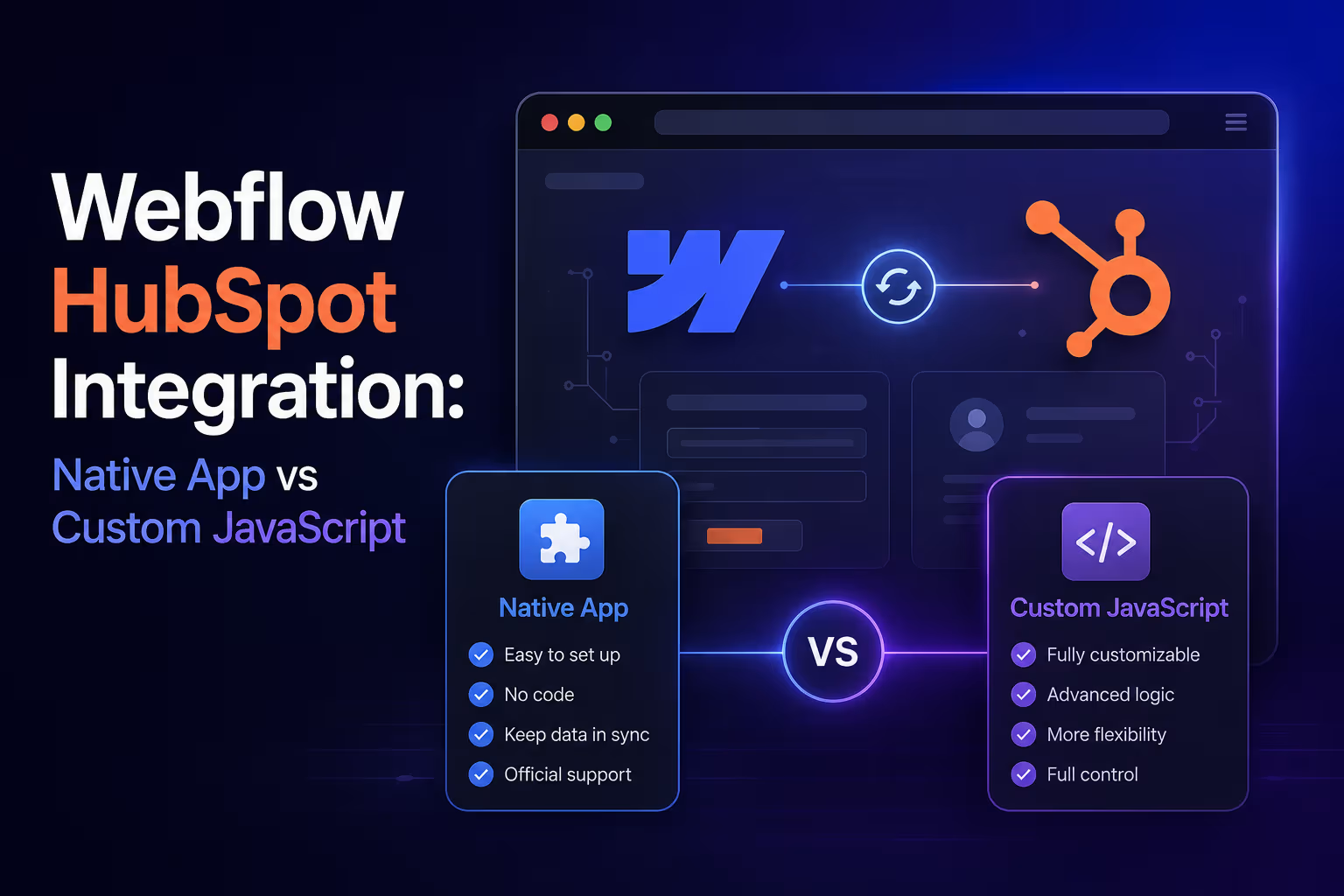


Connecting Webflow to HubSpot looks like a checkbox task — install the native app, map your forms, done. And for a simple site, it genuinely is. But if you're running paid campaigns, care about attribution, or have a sales team living inside HubSpot, the native integration has sharp edges that quietly cost you data on every submission.
We've wired dozens of Webflow sites into HubSpot both ways. Here's the honest breakdown of native vs custom JavaScript, and how to know which side you're on.
What the native HubSpot–Webflow app does well
The official integration covers the basics with zero code:
- Form sync — Webflow form submissions create/update HubSpot contacts.
- Field mapping — map Webflow form fields to HubSpot contact properties from a UI.
- Tracking script injection — adds the HubSpot tracking code so page views and sessions attach to contacts.
- Fast setup — live in under an hour, maintained by HubSpot, survives Webflow republishes.
If you have a brochure site, a contact form, and a newsletter signup — stop here. The native app is the right answer, and anyone selling you custom code for that setup is overbuilding.
Where the native integration breaks down
These are the failure points we get hired to fix:
- Hidden fields and UTM attribution. Capturing
utm_source,utm_campaign,gclid, referrer, and landing page into hidden fields, persisting them across pages, and mapping them to contact properties is on you. Without it, your CRM says every lead came from “Direct.” - Field type mismatches. Multi-select checkboxes, dependent dropdowns, and file uploads map poorly or not at all. Complex qualification forms lose data silently.
- No dedupe logic. The native flow happily creates near-duplicates. Custom pipelines search HubSpot by email (or parsed company domain) first, then update-and-log instead of duplicating — sales stops working the same lead twice.
- The
hutkcookie and analytics context. HubSpot's usertoken is what ties a submission to the full browsing history. Custom submissions via the Forms API let you pass it explicitly, with page URI and title — the native app gives you no control over this payload. - Multi-step forms, progressive profiling, and dataLayer events. Anything beyond “one form, one submit” — multi-step UX, conditional fields, firing GTM/GA4 events on submission, enriching before the CRM write — requires code.
What custom JavaScript integration looks like
The custom pattern we ship on Webflow sites:
- Intercept the Webflow form submit with a small JS layer — keeping Webflow's native UX and styling.
- Collect the full context — form fields + UTM parameters from a first-touch cookie +
hutk+ page URI/title. - Submit to the HubSpot Forms API (v3) with a clean, versioned payload.
- Route through middleware when logic is needed — Make or n8n handles dedupe, enrichment, lead scoring, owner assignment, and Slack alerts before the record lands.
- Fire dataLayer events so GA4 and your ad platforms see the same conversion HubSpot does.
The result: every lead lands in HubSpot deduplicated, fully attributed from first touch to closed-won, and routed to the right owner in seconds.
Want to apply this to your setup?
Native vs custom: the decision table and our honest recommendation
| Scenario | Native app | Custom JS |
|---|---|---|
| Simple contact/newsletter forms | ✅ Perfect fit | Overkill |
| UTM & first-touch attribution | ⚠️ Manual, fragile | ✅ Built in |
| Multi-select / dependent fields | ❌ Lossy | ✅ Full control |
| Dedupe & enrichment | ❌ Not available | ✅ Via Make/n8n layer |
| Multi-step forms | ❌ | ✅ |
| GA4/GTM conversion parity | ⚠️ Partial | ✅ dataLayer events |
| Maintenance burden | ✅ None | ⚠️ Owned by your dev/agency |
| Setup time | Under an hour | Days |
Start native. Move to custom the day one of these becomes true: you're spending real money on ads (attribution), your forms outgrow simple field types, or sales complains about duplicates and slow follow-up. Most companies hit that point around the time HubSpot stops being a contact list and starts being the revenue system.
Q: Does the native HubSpot–Webflow integration capture UTM parameters?
A: Not by itself — you must build hidden fields and persistence yourself. A custom Forms API integration captures first-touch UTMs, gclid, and referrer automatically.
Q: Can I keep Webflow's form styling with a custom HubSpot integration?
A: Yes — the custom layer intercepts your existing Webflow forms and submits to HubSpot's Forms API, so design stays 100% Webflow.
This is exactly what we build
Webflowforge builds Webflow–HubSpot integrations end to end: custom form layers, UTM capture, Forms API submissions, dedupe and enrichment pipelines in Make and n8n, and dashboards that prove attribution survives to closed-won. We work in HubSpot and Salesforce daily, alongside Klaviyo, Mailchimp, and the rest of the marketing stack.
See our Webflow HubSpot Integration service · Related: How to Capture UTM Parameters in Webflow Forms Automatically · Webflow Automation Services





