
Webflow AI Automation: 7 Practical Ways to Automate Your Webflow Site with AI
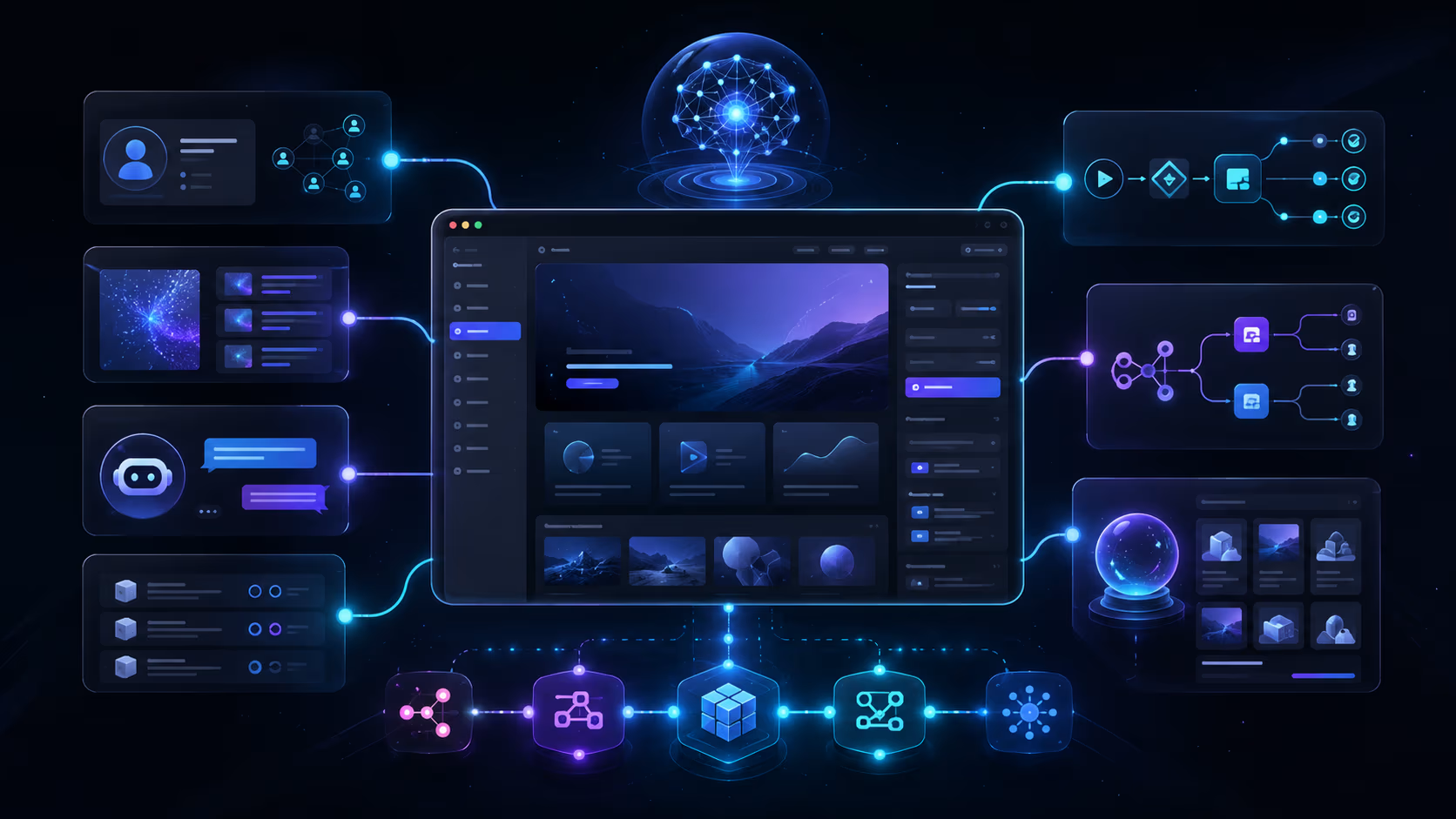


Webflow AI automation means wiring artificial intelligence into the systems around your Webflow site so it does work on its own — qualifying leads, drafting and repurposing content, answering visitor questions, and keeping your CMS and CRM in sync. It's not “just a chatbot.” It's using AI as a decision-and-drafting layer inside automated workflows, with a human in control.
Below are seven practical, proven ways to automate a Webflow site with AI — the same patterns we build for clients — plus the stack and how to start.
Why automate Webflow with AI?
A Webflow site is really a collection of data-capture points: forms, CMS items, and page views. AI lets you act on that data intelligently and instantly — enriching a lead, classifying a request, or generating a draft — instead of waiting on a person. The result is faster response, less manual work, and a site that actively drives pipeline.
7 ways to automate your Webflow site with AI
- AI lead enrichment & scoring. A Webflow form submits, an LLM enriches and scores the lead, then it's routed to your CRM with an owner and an SLA.
- A grounded AI chatbot (RAG). A site assistant that answers visitor questions from your real content and hands off to a form when intent is high.
- Content repurposing. One published CMS article becomes approved LinkedIn posts, X threads, and a short video script — automatically.
- AI meta & alt text. Generate SEO meta descriptions and image alt text for new CMS items so nothing ships unoptimized.
- Support triage. Classify inbound messages, retrieve the right docs, and draft accurate, human-reviewed replies.
- Smart internal search. Let visitors ask questions across your docs and playbooks with semantic (vector) search instead of keyword-only.
- Data & CMS hygiene. Auto-clean, de-duplicate, and tag CMS entries, and sync content from Notion or Airtable into Webflow on a schedule.
Most of these run on the same backbone: a workflow engine (n8n or Make), an LLM (OpenAI, Claude, or Gemini), and a vector database when retrieval is involved — all connected to the Webflow CMS and forms.
The 7 automations at a glance
| Automation | Trigger | What the AI does | Typical stack |
|---|---|---|---|
| Lead enrichment & scoring | Webflow form submit | Extract fields, score fit & intent | n8n + LLM + HubSpot |
| Grounded chatbot (RAG) | Visitor question | Answer only from your content | Vector DB + LLM |
| Content repurposing | CMS item published | Draft social posts + video script | n8n + LLM + Airtable |
| Meta & alt text | New CMS item | Write meta description + image alt | n8n + LLM |
| Support triage | Inbound ticket | Classify + draft a reviewed reply | n8n + LLM + helpdesk |
| Smart internal search | Search query | Semantic retrieval over your docs | Vector DB + LLM |
| CMS hygiene | Schedule or edit | Clean, dedupe, tag, sync | n8n + LLM + Airtable/Notion |
Worked example: AI lead scoring in n8n
Here's one real node from automation #1 — an n8n Function step that sends a normalized Webflow lead to an LLM and returns a structured score your workflow can route on:
// n8n Function node: score an inbound Webflow lead with an LLM
const lead = $json;

const prompt = `You are a B2B lead qualifier for a Webflow agency.
Score this lead 0-100 on fit and intent. Return ONLY JSON:
{ "score": number, "tier": "hot|warm|nurture", "reason": string }

Lead:
- Email: ${lead.email}
- Company: ${lead.company}
- Budget: ${lead.budget}
- Timeline: ${lead.timeline}
- Message: ${lead.message}`;

const ai = await this.helpers.httpRequest({
  method: "POST",
  url: "https://api.openai.com/v1/chat/completions",
  headers: { Authorization: `Bearer ${$env.OPENAI_API_KEY}` },
  body: {
    model: "gpt-4o-mini",
    response_format: { type: "json_object" },
    messages: [{ role: "user", content: prompt }]
  },
  json: true
});

const result = JSON.parse(ai.choices[0].message.content);
return [{ json: { ...lead, ...result } }];
The next node branches on tier: hot → send a meeting link and assign a HubSpot owner; warm → create a follow-up task; nurture → drop into a sequence. That's the whole pattern — normalize the input, let AI decide under a strict JSON contract, then act with guardrails.
Want to apply this to your setup?
How to start, and what to watch for
You don't need to automate everything at once. Start with the one workflow that wastes the most time or leaks the most revenue — usually lead handling — and expand from there.
The build pattern
- Pick one high-value workflow and define what “done” looks like.
- Connect Webflow (forms and CMS) to n8n or Make.
- Add an AI step with a strict prompt contract — act only on the given data.
- Add guardrails: confidence checks, human review, logging, and a fallback.
- Measure, then expand to the next workflow.
The thing that separates useful AI automation from a liability is guardrails — the model should never act on a guess, and a human should catch low-confidence cases.
Q: What's the difference between Webflow automation and Webflow AI automation?
A: Plain automation moves data between tools on fixed rules (form → CRM). AI automation adds a reasoning layer — the system can read messy input, classify it, draft a response, or decide where it should go — which unlocks workflows that rules alone can't handle.
Q: Which tools do you use for Webflow AI automation?
A: Typically n8n or Make for orchestration, OpenAI / Claude / Gemini for the AI step, and a vector database (like Supabase with pgvector) for retrieval — all connected to Webflow's CMS and forms.
Want AI automation built into your Webflow site?
Webflowforge does AI workflow implementation and Webflow automation services — we wire AI into your forms, CMS, and CRM with guardrails you can trust. Most of these automations end in your CRM: our Webflow HubSpot integration makes sure every lead lands deduped and fully attributed. Tell us about your project and we'll scope it with you.
Related playbook: How to Add an AI Chatbot (RAG Agent) to Your Webflow Site





