Webflow Enterprise + HubSpot for SaaS Companies: The Full Architecture
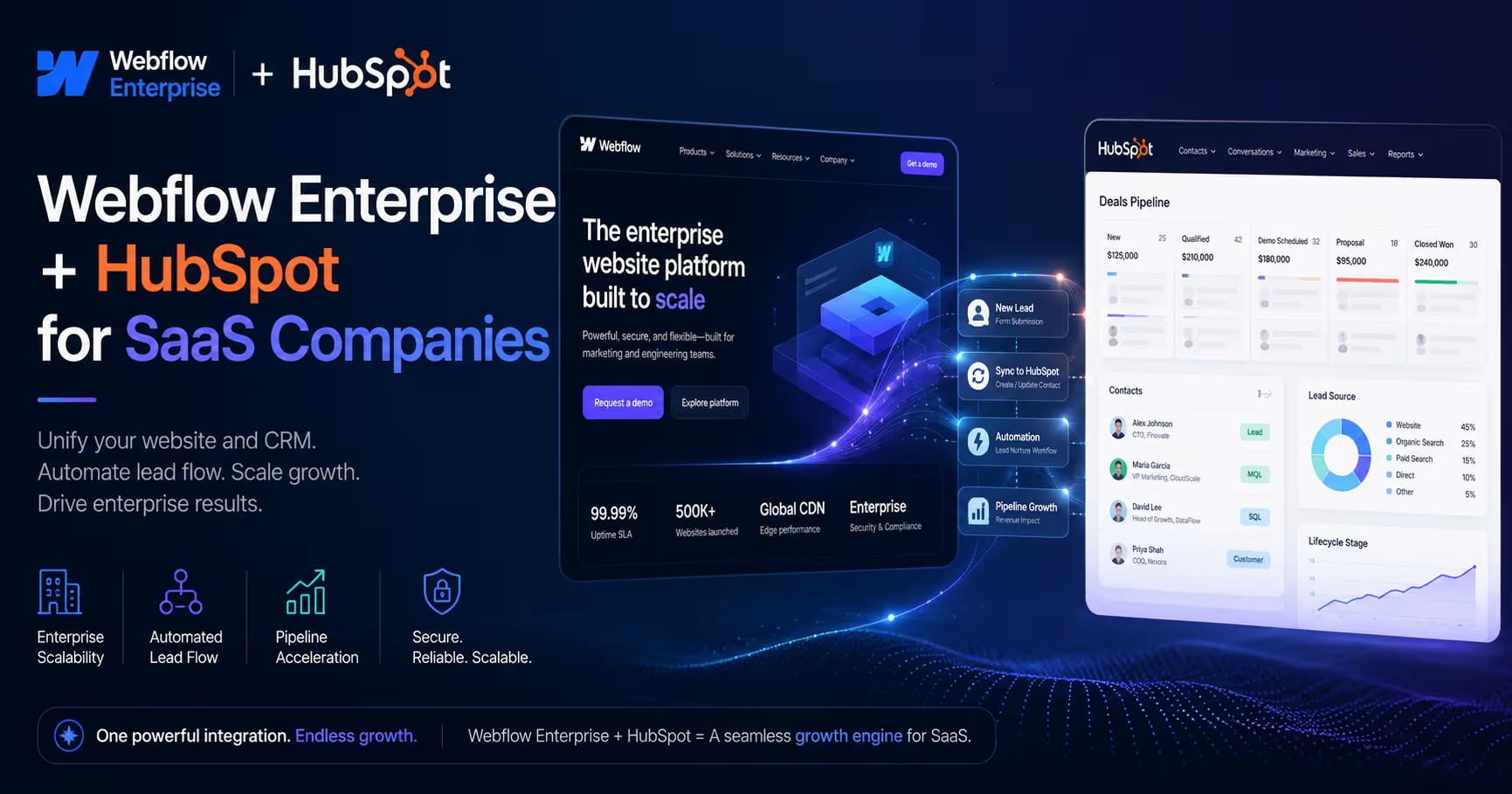


Webflow Enterprise plus HubSpot is the standard stack for SaaS companies that want marketing to ship pages daily while every lead lands in the CRM deduped, attributed, and routed. Webflow owns the presentation layer — pages, CMS, localization, publishing governance. HubSpot owns the revenue layer — contacts, lifecycle, sequences, reporting. The architecture question is the seam between them, and that seam is where most implementations leak.
Who owns what
The three connector options for enterprise lead generation with Webflow and HubSpot
Full breakdown with code: native app vs custom JavaScript and the complete lead capture architecture.
The enterprise seams: attribution, analytics parity, and ABM personalization
Attribution that survives to closed-won
Enterprise SaaS deals close months after first touch, so first-touch data must persist: UTM parameters and gclid captured into a first-touch cookie on landing, passed with the hubspotutk cookie on every submission via the Forms API. That's what connects a Q1 LinkedIn campaign to a Q3 closed-won in HubSpot revenue reporting. Implementation with code: UTM capture in Webflow forms.
Analytics parity — one conversion, three systems
The classic enterprise failure: HubSpot says 40 leads, GA4 says 25, ads platforms say 31. Fix it by firing a single dataLayer event at the same moment the CRM write succeeds:
// After successful Forms API submissionwindow.dataLayer = window.dataLayer || [];
window.dataLayer.push({
	event: 'generate_lead',
	lead_source: utm.source || 'organic',
	form_id: 'demo-request',
	page_path: location.pathname
});
GTM forwards that one event to GA4, Google Ads, and LinkedIn — every system counts the same conversion, and marketing stops arguing about whose number is right.
ABM & segment personalization
Webflow renders variants; HubSpot knows the segment. The lightweight enterprise pattern: campaign URLs carry ?industry=fintech, a small script swaps hero proof points and logos by segment, and the parameter rides the hidden fields into HubSpot so sales sees which variant converted. No reverse-proxy personalization engine needed until you outgrow this.
Publishing governance
Webflow Enterprise's page branching, staged publishing, and granular roles are what make daily marketing shipping safe next to a revenue-critical form layer — pair them with an approval workflow like the one in our Webflow publishing approvals playbook.
Want to apply this to your setup?
What this looks like per vertical, and the questions we get
The architecture is identical across verticals — what changes is the routing logic and compliance layer: SaaS companies route by plan-fit and product signal (PLG teams add Stripe: see fixing PLG account data silos); finance companies add consent logging and stricter field validation before the CRM write; service providers route by territory and service line with SLA timers per queue. The middleware layer is where each of these lives — which is why we don't recommend the native app alone for any of them.
Q: How do HubSpot and Webflow Enterprise work together for SaaS companies?
A: Webflow Enterprise runs the marketing site — pages, CMS, staging, roles — while HubSpot runs contacts, attribution, and sequences. They connect through a form/data layer that passes UTMs and the HubSpot cookie with every submission, ideally through n8n or Make middleware that dedupes and routes before the record lands.
Q: Is there a Webflow Enterprise HubSpot connector?
A: The native HubSpot–Webflow app is the official connector and handles basic form sync. Enterprise teams almost always add a middleware or Forms API layer on top for dedupe, enrichment, routing, and analytics parity — the things revenue reporting actually depends on.
Q: Can HubSpot analytics track a Webflow Enterprise site properly?
A: Yes — install the HubSpot tracking script site-wide, pass the hutk cookie on form submissions, and mirror conversions into GA4 via a dataLayer event so both systems report the same numbers from first touch to closed-won.
Q: Webflow vs HubSpot CMS — which should a SaaS company build the site on?
A: Build the marketing site on Webflow (design freedom, publishing speed, CMS control) and keep HubSpot as the CRM and marketing automation layer. HubSpot CMS makes sense mainly when a team wants everything in one vendor and accepts the design constraints.
This stack is our specialty
Webflowforge designs, builds, and wires Webflow Enterprise sites into HubSpot for SaaS teams — we work with companies like Gigaspaces, Doorloop, and WithFaye on exactly this architecture. See our Webflow HubSpot integration service and Webflow automation services, or tell us about your project and we'll scope the architecture with you.