
Waterfall Enrichment: Apollo vs ZoomInfo vs Clay


Short answer: Waterfall enrichment asks several data providers for the same field, one after another, and stops at the first result that passes verification. It raises fill rates because no single provider covers every company or region. Apollo and Clay can run the waterfall for you; ZoomInfo is usually one deep source inside it. The parts that decide whether it pays off are the provider order, how each provider bills a failed lookup, how you treat catch-all domains, and the rules for writing results into your CRM.
Most teams start enrichment with one vendor and hit a ceiling. Some contacts come back without an email, some with an email that bounces, and some with a phone number that belongs to a switchboard. Adding a second and third provider fixes coverage, but it also adds cost, conflicting answers and a real risk of overwriting data your sales team already corrected by hand.
This playbook explains how the three common options handle a waterfall, how to estimate cost per verified email before you run a big batch, what to do with accept-all domains, and a HubSpot write pattern that only fills or improves fields. It assumes your leads already pass basic validation; if not, start with our guide to validating lead data before enrichment.
How does waterfall enrichment work?
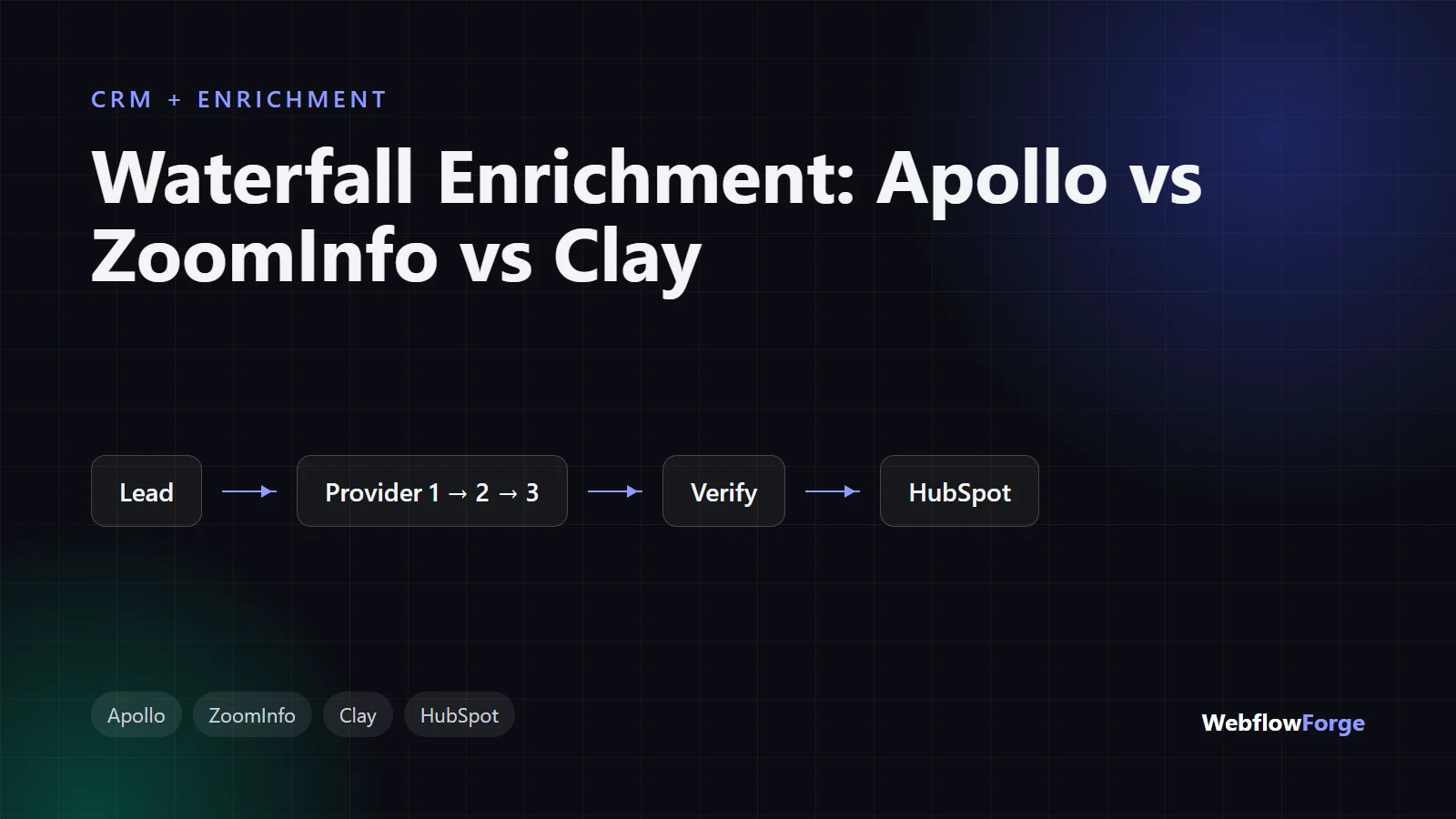
A waterfall is an ordered list of sources for one field, such as work email or mobile phone. For each record the orchestrator does this:
- Send the identifiers you have (name, company domain, LinkedIn URL or an existing email) to provider 1.
- If provider 1 returns a value, send it to a verification step.
- If the value verifies, write it and stop. If it fails or nothing came back, move to provider 2.
- Repeat until a value verifies or the list ends. Record which provider won and the verification status.
Two details matter more than the number of providers.
Run one waterfall per field
Email and phone have different best sources and very different prices. Run them as separate waterfalls with separate triggers. Many teams only run the phone waterfall for records that reach a certain score or stage, because phone data usually costs several times more than email.
Verification is part of the waterfall, not an afterthought
A provider returning an email does not mean the mailbox exists. Clay's own billing FAQ describes waterfalls that validate after each result and continue to the next provider when the result is invalid (Clay FAQ on Data Credits and Actions). If you verify only at the end, you pay for a bad email and then never ask the provider that had the right one.
The output of a good waterfall is not just a value. It is a value plus three facts: the source, the verification result and the date. Those three facts are what let you decide later whether a new answer should replace the old one.
Want to apply this to your setup?
Apollo vs ZoomInfo vs Clay: who runs the waterfall?
The three tools play different roles. Apollo and Clay are orchestrators that can call several providers. ZoomInfo is a large first-party database that you typically call as one step, either inside its own platform or through its API from an orchestrator such as Clay's HTTP column, n8n or your own code.
| Apollo | ZoomInfo | Clay | |
|---|---|---|---|
| Role in a waterfall | Own database plus a built-in waterfall across connected providers | Single source; strong on its own data, not a multi-provider orchestrator | Orchestrator across many marketplace providers and your own API keys |
| How the waterfall runs | Admins choose and order sources; API flags run_waterfall_email and run_waterfall_phone on /api/v1/people/match | You call Enrich (up to 25 contacts per call) and decide what happens on a miss | Waterfall column runs providers in order, validates, stops at the first valid result |
| Billing on a miss | Depends on the source: some charge only on a return, some for the lookup itself | Search and lookup do not use credits; enrich uses one bulk credit per new record | No Data Credits or Actions when nothing is returned or the call errors |
| Result delivery | Asynchronous: final waterfall results are POSTed to your webhook_url | Synchronous response | Synchronous in the table; push to CRM via sync or HTTP |
| Best fit | Teams already prospecting in Apollo who want higher email coverage | Enterprise teams with a ZoomInfo contract who need depth in its core regions | RevOps teams who want full control of order, logic and cost |
Sources: Apollo waterfall API docs, ZoomInfo batching and bulk docs, Clay billing FAQ.
Apollo specifics worth knowing
Apollo's waterfall API is two-stage. The immediate response returns demographic and company data plus a waterfall status (accepted or failed, and partial_accepted on bulk calls) and a request_id. The emails and phone numbers arrive later at your webhook, with a per-vendor status and a credits_consumed total. The bulk endpoint /api/v1/people/bulk_match takes up to 10 people per request. Build your integration around the webhook, keyed on request_id, not around the first response. Apollo's help center also notes that credits are used each time a provider finds an email, whether or not that email verifies.
Clay specifics worth knowing
Since its March 2026 pricing change, Clay meters two things: Data Credits for marketplace data and Actions for platform work. A step that returns data through Clay's marketplace uses both; a step that runs on your own API key uses an Action but no Data Credits; a step that returns nothing uses neither. Once a validated value comes back, later steps do not run. Check the cost shown on each provider in the column settings before a large run, because rates differ by provider.
ZoomInfo specifics worth knowing
ZoomInfo charges for enrichment, not for searching. Its docs list one bulk credit per new contact record and up to 25 records per Enrich call, and warn agents to avoid enrichment loops. Because enriching a contact already under management is treated differently from a new one, store ZoomInfo IDs in your CRM and search before you enrich.
How much does a verified email cost in a waterfall?
Vendors quote credits per result, but what you need is cost per verified email across the whole waterfall. You can estimate it before you run a batch with one formula.
For each step in order, you need three inputs from a test sample: the share of records that reach the step, the step's hit rate, and its billing rule (charge on lookup or charge on find).
expected cost per record = sum over steps of:
    reach(i) x [ lookup_cost(i) + hit_rate(i) x (find_cost(i) + verify_cost) ]

reach(1)   = 1
reach(i+1) = reach(i) x (1 - verified_hit_rate(i))

cost per verified email = expected cost per record / total verified fill rate
An illustrative example
The numbers below are made up to show the method; replace them with your own sample results and your contract prices. Assume three providers, a verification step that costs 0.1 units, and 1,000 records.
- Provider A charges 1 unit on find, finds 55%, of which 90% verify. Expected cost: 0.55 × 1.1 = 0.605 units per record. About 495 records leave the waterfall verified.
- Provider B sees the remaining 50.5%, charges 0.5 per lookup plus 1 on find, finds 30% of what it sees, 80% verify. Expected cost: 0.505 × (0.5 + 0.3 × 1.1) ≈ 0.419. About 121 more verify.
- Provider C sees about 38.4%, charges 2 on find, finds 20%, 85% verify. Expected cost: 0.384 × 0.2 × 2.1 ≈ 0.161. About 65 more verify.
Total: roughly 1.19 units per record and a 68% verified fill rate, so about 1.74 units per verified email. Two lessons fall out of this. First, the charge-per-lookup provider costs real money even on misses, so it belongs late in the order or behind a filter. Second, the third provider adds only about 6.5 points of fill, at roughly 2.5 units per extra verified email; decide whether that last slice is worth it for every segment or only for target accounts.
Run a sample before every big batch
Run 200 to 500 records from the same segment, log reach, hit and verify rates per step, and compute the formula. Coverage varies a lot by country, company size and seniority, so a waterfall that works for US SaaS mid-market can perform poorly for European manufacturing. Re-run the sample when you change segment.
What should you do with catch-all (accept-all) emails?
A catch-all, or accept-all, domain is configured to accept mail for any address. A verifier that checks the mailbox over SMTP cannot tell whether jane.doe@ exists, because the server says yes to everything. NeverBounce describes accept-all as a server setting rather than a verdict on the mailbox and notes these addresses are often valid (NeverBounce result codes). ZeroBounce can sometimes resolve an individual catch-all address to valid or invalid while still flagging the domain (ZeroBounce FAQ).
This matters for waterfalls in two ways.
- Stopping rule. If "catch-all" counts as verified, the waterfall stops early and you never ask a provider that might return a confirmed address. If it counts as failed, you burn credits on domains where no provider can do better. Decide explicitly.
- Status storage. Keep catch-all as its own status in the CRM, not merged into valid or invalid. Your sequencing tool and your deliverability rules need to see it.
A practical policy
- Treat valid as a stop.
- Treat catch-all as a soft stop: keep the value, but let the next provider run once if it is cheap and charges only on find. If that provider returns the same address, raise your confidence; if it returns a different address that verifies as valid, prefer it.
- Treat invalid and unknown as a continue.
- Send catch-all addresses to sequences at lower daily volume, and watch bounce rates per domain before scaling.
Never let a catch-all result overwrite an email that a rep entered or that previously verified as valid. That is the job of the write rules below.
How to order providers and log every step
Order providers by expected cost per verified result for the segment, not by brand. A simple default:
- Sources you already pay for with a flat fee or included credits, such as your Apollo plan or ZoomInfo contract.
- Charge-on-find providers with good coverage for the segment.
- Charge-on-lookup providers last, and only for records above a score threshold.
If you orchestrate the waterfall yourself in n8n or code, keep the order in config and log one line per step. This makes cost and fill rate measurable instead of guessed. The sketch below uses placeholder provider functions; wire them to your actual APIs.
// Waterfall config: order, billing rule and when a step is allowed to run
const EMAIL_WATERFALL = [
  { name: "apollo",    billing: "find",   run: (r) => true },
  { name: "providerB", billing: "find",   run: (r) => true },
  { name: "providerC", billing: "lookup", run: (r) => r.score >= 60 },
];

async function emailWaterfall(record, providers, verify, log) {
  let softResult = null; // holds a catch-all result while one more source is tried
  for (const step of EMAIL_WATERFALL) {
    if (!step.run(record)) continue;
    const found = await providers[step.name](record);          // { email } or null
    const status = found ? await verify(found.email) : "none"; // valid | catch_all | invalid | unknown
    await log({ recordId: record.id, step: step.name, found: !!found, status, at: new Date().toISOString() });
    if (status === "valid") return { email: found.email, status, source: step.name };
    if (status === "catch_all") {
      if (softResult) return softResult;  // second catch-all: stop spending
      softResult = { email: found.email, status, source: step.name };
    }
  }
  return softResult ?? { email: null, status: "not_found", source: null };
}
Write the log to a table you can query (a database, Google Sheet or Clay table). If you already persist leads before enrichment, as in our n8n lead queue pattern, add the step log to the same record ID. For Apollo, store the request_id from the first response and match the webhook payload to it, because the waterfall result arrives later.
How to write waterfall results into HubSpot without overwriting good data
The most common enrichment failure is not a missing email. It is a correct, hand-edited value replaced by an older or weaker one from a vendor. HubSpot gives you two layers of protection, and you need both.
Layer 1: HubSpot's own enrichment settings
If you also use HubSpot's built-in data enrichment, each property has an overwrite rule: fill empty values only, fill empty values and overwrite existing values, or do not fill any values. HubSpot notes that some methods, including the enrichment workflow action, follow their own overwrite setting rather than that column, so check the action settings in every workflow (HubSpot: manage data enrichment settings). For email and phone, "fill empty values only" is the safe default.
Layer 2: your integration's write rules
External waterfalls write through the API, so HubSpot's enrichment settings do not protect you. Add three custom contact properties: enrich_email_source, enrich_email_status and enrich_email_checked_at. Then decide each write with a precedence rule instead of a blind update:
// Status rank: higher wins. Manual edits always win.
const RANK = { not_found: 0, unknown: 1, catch_all: 2, valid: 3 };

function decideEmailWrite(current, incoming) {
  // current: values read from HubSpot; incoming: waterfall result
  if (!incoming.email) return null;                                  // nothing to write
  if (!current.email) return patch(incoming);                         // empty: fill it
  if (current.enrich_email_source === "manual") return null;          // rep-owned: never touch
  if (current.email.toLowerCase() === incoming.email.toLowerCase())   // same value: refresh metadata only
    return { enrich_email_status: incoming.status, enrich_email_checked_at: today() };
  const curRank = RANK[current.enrich_email_status] ?? 1;
  return RANK[incoming.status] > curRank ? patch(incoming) : null;    // replace only if strictly better
}

const today = () => new Date().toISOString().slice(0, 10);
const patch = (r) => ({ email: r.email, enrich_email_source: r.source,
                        enrich_email_status: r.status, enrich_email_checked_at: today() });
To apply it, read the current values first with POST /crm/v3/objects/contacts/batch/read (request the email and the three custom properties), compute the patches, and send only non-empty patches to POST /crm/v3/objects/contacts/batch/update by record ID. Do not use batch upsert keyed on email for this: HubSpot's docs state that partial upserts are not supported when email is the idProperty (HubSpot batch upsert reference). Changing the primary email of an existing contact also affects deduplication and form matching, so many teams write a found address to a separate enriched_work_email property when the record already has a different primary email, and let a rep confirm.
Finally, set enrich_email_source to manual with a workflow whenever a user edits the email in the UI, so future runs leave it alone. If HubSpot also syncs to Salesforce, apply the same rule on the system that owns the field. For a full capture-to-HubSpot flow, see our Webflow lead routing to HubSpot playbook.
Waterfall enrichment launch checklist
Use this before you switch a waterfall on for live inbound leads or a large backfill.
| Check | How to verify | Pass when |
|---|---|---|
| Separate email and phone waterfalls | Review triggers in the orchestrator | Phone only runs for records above your score or stage threshold |
| Billing rule known per provider | Provider settings, contract, docs | Each step is labelled charge-on-find or charge-on-lookup |
| Verification after each step | Run 20 test records and read the step log | A failed or invalid result moves to the next provider |
| Catch-all policy set | Config and CRM status values | Catch-all is its own status and has a defined stop rule |
| Sample cost calculated | 200 to 500 records from the segment | Cost per verified email and fill rate are within budget |
| Write rules tested | Run against contacts with manual edits | No manual or valid email is replaced by a weaker result |
| Source and date stored | Inspect three enriched contacts | Source, status and checked-at properties are filled |
| Async results handled | Apollo webhook endpoint logs | Every request_id is matched or flagged after a timeout |
| Re-enrich interval set | Scheduler or workflow | Records are re-checked on a schedule, not on every edit |
| Spend alert | Credit dashboard or your own log totals | An alert fires before monthly credits run out |
The re-enrich interval deserves a note. People change jobs, so emails decay. Re-checking every record every week wastes credits; re-checking on a fixed interval, or when a signal such as a bounce or a job-change alert arrives, is usually enough. For broader cost planning of the automation layer itself, see our guide to automation runs and retries.
If you want help choosing providers, sampling your segment or wiring the waterfall into HubSpot safely, WebflowForge builds and maintains these pipelines for B2B teams. Get in touch and we can review your current setup.
Frequently Asked Questions
Usually for coverage, not always for cost. No single provider covers every region, company size and role, so a waterfall finds more emails and phone numbers. Each extra provider adds less new coverage at a higher cost per extra verified result, so measure fill rate and cost per verified email on a sample before adding a third or fourth source.
In Clay, an enrichment that returns no data or errors uses no Data Credits and no Actions, according to Clay's billing FAQ. In Apollo it depends on the source: Apollo's API docs say some sources charge only when they return data and others charge for the lookup itself. Check each provider's billing rule and put charge-per-lookup sources last.
Treat a catch-all result as a soft stop. Keep the address and its catch-all status, then let one more inexpensive charge-on-find provider try for an address that verifies as valid. Store catch-all as its own status in your CRM and send to those addresses at lower volume until bounce rates prove them safe.


