
Make vs Zapier vs n8n: The Comparison We Give Our Own Clients
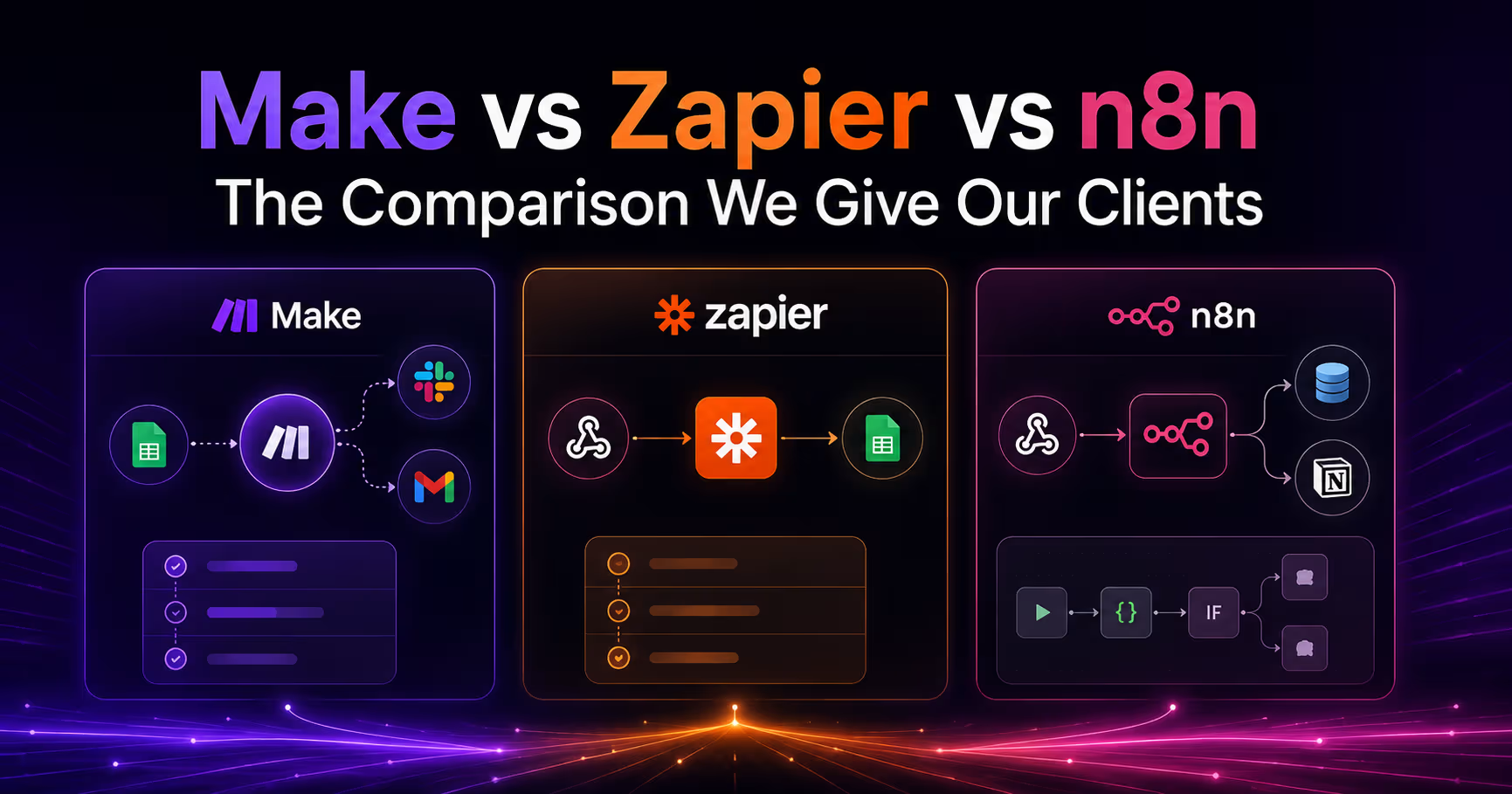


We build automations in all three platforms every week — lead routing, CMS sync, CRM pipelines, AI workflows. Clients ask us “which one?” constantly, and the honest answer is: it depends on your volume, your team, and how weird your logic gets. Here's the comparison we actually use to decide.
The short answer
- Zapier — easiest to start, most expensive to scale. Pick it for simple, low-volume automations owned by non-technical teams.
- Make — the sweet spot for visual complexity. Branching, iterators, and data transformation at a fair price.
- n8n — the power option. Code when you need it, self-hosting, and by far the cheapest at high volume.
Full comparison table
| Zapier | Make | n8n | |
|---|---|---|---|
| Billing unit | Per task (every action step billed) | Per operation (every module run billed) | Per execution (whole workflow run = 1, on cloud) |
| Cost at scale | Highest — a 10-step Zap running 10K times = 100K tasks | Middle — same scenario ≈ 100K operations | Lowest — same workflow = 10K executions; free self-hosted |
| Free tier | Limited tasks, 2-step Zaps | Generous ops for testing | Full-featured self-hosted (free forever) |
| Learning curve | Easiest — linear, form-like editor | Moderate — visual canvas, modules & routers | Steepest — node canvas, expressions, optional code |
| Branching & logic | Paths (limited, plan-gated) | Excellent — routers, filters, iterators, aggregators | Excellent — IF/Switch, merges, loops, sub-workflows |
| Data transformation | Basic (Formatter steps — each one billed) | Strong — built-in functions, arrays, JSON | Strongest — full JS/Python code nodes |
| Error handling | Basic replay, plan-gated | Good — error routes, rollback, incomplete-execution queue | Best — error workflows, retries, custom fallbacks |
| Webhooks | Plan-gated, polling on lower tiers | Instant webhooks on all plans | First-class, instant, free |
| App integrations | ~8,000 (largest library) | ~2,000+ | ~1,200+ native, plus HTTP node = any API |
| Custom code | Limited Code steps | Limited (no full code module) | Full JavaScript/Python nodes |
| Self-hosting | No | No | Yes — Docker, your VPS, your data |
| AI / agents | AI steps & Copilot, billed per task | AI modules | Native AI agent nodes, LangChain, local models |
| Version control | No | Scenario versions (limited) | Workflow history; Git-friendly JSON export |
| Best for | Marketers, quick wins, low volume | Ops teams, mid-volume, complex visual flows | Technical teams, high volume, AI agents, compliance |
What the pricing difference really looks like
The billing unit is the single most misunderstood difference. The same 8-step lead-routing workflow running 10,000 times a month:
- n8n Cloud: 10,000 executions → roughly $50/mo
- Make: ~80,000 operations → roughly $150–200/mo
- Zapier: ~80,000 tasks → roughly $250–400+/mo
That's a 5–8x spread for identical business logic. At low volume the gap barely matters — at scale, it's the whole decision. And n8n self-hosted removes the software cost entirely; you pay for a small server.
How we choose for clients
- Under ~1,000 runs/month, non-technical owner → Zapier. The speed of building beats the unit cost.
- Complex branching, mid volume, visual team → Make. Routers and iterators handle 90% of real-world logic without code.
- High volume, AI agents, sensitive data, or a dev on the team → n8n. It's what we use for our own heaviest pipelines.
- Mixed stacks are normal. Plenty of our clients run Zapier for marketing quick wins and n8n for revenue-critical pipelines. The workflow's criticality decides — the platforms aren't mutually exclusive.
Want to apply this to your setup?
The caveats nobody mentions
- Zapier's task math punishes Formatter steps — every date-format or text-split step is billed like a real action.
- Make's operations count on polling — a scenario checking for new rows every 15 minutes burns operations even when nothing happened.
- n8n's freedom has a cost — self-hosting means you own uptime, updates, and backups. If nobody on the team wants that job, use n8n Cloud or pick Make.
Q: Which is cheapest — Make, Zapier, or n8n?
A: At high volume, n8n — it bills per workflow execution instead of per step, and self-hosting is free. At low volume the difference is negligible, so pick on ease of use instead.
Q: Can I mix platforms?
A: Yes, and it's often optimal — Zapier for quick marketing automations, n8n or Make for the revenue-critical pipelines that need error handling and volume headroom.
Need someone to build (or untangle) your automations?
We design, build, and maintain automations across Make, Zapier, and n8n — connected to Webflow, HubSpot, Salesforce, and the rest of your stack. If your current setup is burning tasks or silently dropping leads, we'll find it.
See our Webflow Automation Services · Related: Webflow HubSpot Integration · AI Workflow Implementation





