%20(2).svg)
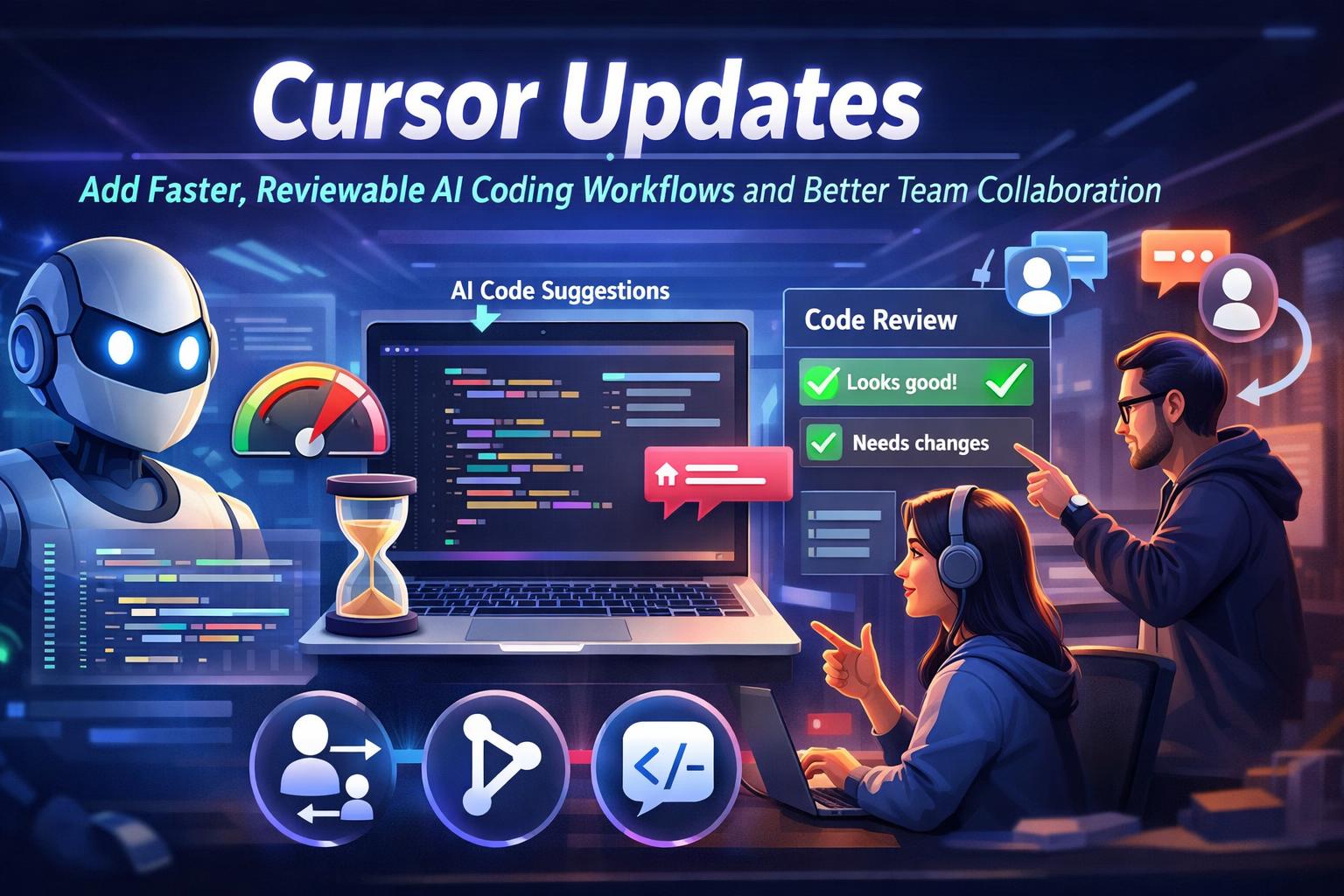
Cursor Updates Add Faster, Reviewable AI Coding Workflows and Better Team Collaboration
Cursor adds faster, more controllable AI coding workflows for teams this week
Cursor, the AI-first code editor built on top of VS Code, is continuing its rapid pace of updates focused on making AI assistance feel more predictable in real projects. This week’s momentum is centered around two themes: better control over what the AI changes and smoother collaboration when multiple people share the same codebase, standards, and tooling.
The biggest practical shift is a stronger emphasis on “reviewable” AI edits. Instead of getting large, hard-to-audit code changes, Cursor is increasingly steering users toward smaller, scoped modifications that are easier to approve and merge. For teams, this translates into fewer surprises during code review, more consistent style, and less time spent hunting down unintended side effects after an AI-generated refactor.
Another meaningful improvement is the ongoing work around project context. Cursor is getting better at using the right information from your repository, such as existing patterns, components, and internal conventions, so the AI doesn’t “invent” new approaches when a proven one already exists in your code. The result is assistance that feels less like a generic chatbot and more like an experienced teammate who understands your stack.
Why this matters right now: many teams have moved past the “AI can write code” novelty phase and are now asking a more important question: can AI help us ship reliably, without creating review bottlenecks and technical debt? Cursor’s recent direction is clearly aimed at that reality, making AI a more dependable part of the day-to-day engineering workflow.
Example 1: Faster bug fixes with safer, review-ready changes
With Cursor, you can take a bug report from support or QA, paste the steps to reproduce, and have the AI trace likely causes by reading the relevant files and call paths. From there, you can ask it to produce a minimal patch that fixes the issue while keeping changes tightly scoped to the affected module.
This is especially useful in production environments where you want a fix that is easy to validate, test, and roll back. Instead of a wide refactor that “also cleans things up,” you can prompt Cursor to keep the diff small, add or update a unit test, and explain why the change resolves the root cause. That leads to faster approvals and fewer regressions.
Example 2: Turning feature requests into consistent, on-brand implementation
With Cursor, you can implement a new feature while enforcing your existing patterns, naming conventions, and component structure. For instance, if your frontend uses a design system and standard API hooks, Cursor can help generate the new UI component, wire it to the correct data flow, and follow the same styling and error-handling conventions already used across the app.
For product teams, this can reduce the time from spec to first working version. Engineers can ask Cursor to draft the initial implementation, then iterate with clear constraints like “match existing components,” “reuse our standard form validation,” and “avoid new dependencies.” The outcome is a feature that ships faster while still looking and behaving like it belongs in your product.
Related Posts

.png)

Contact Us
- Webflow\Wordpress\Wix - Website design+Development
- Hubspot\Salesforce - Integration\Help with segmentation
- Make\n8n\Zapier - Integration wwith 3rd party platforms
- Responsys\Klavyo\Mailchimp - Flow creations
.svg)




