%20(2).svg)
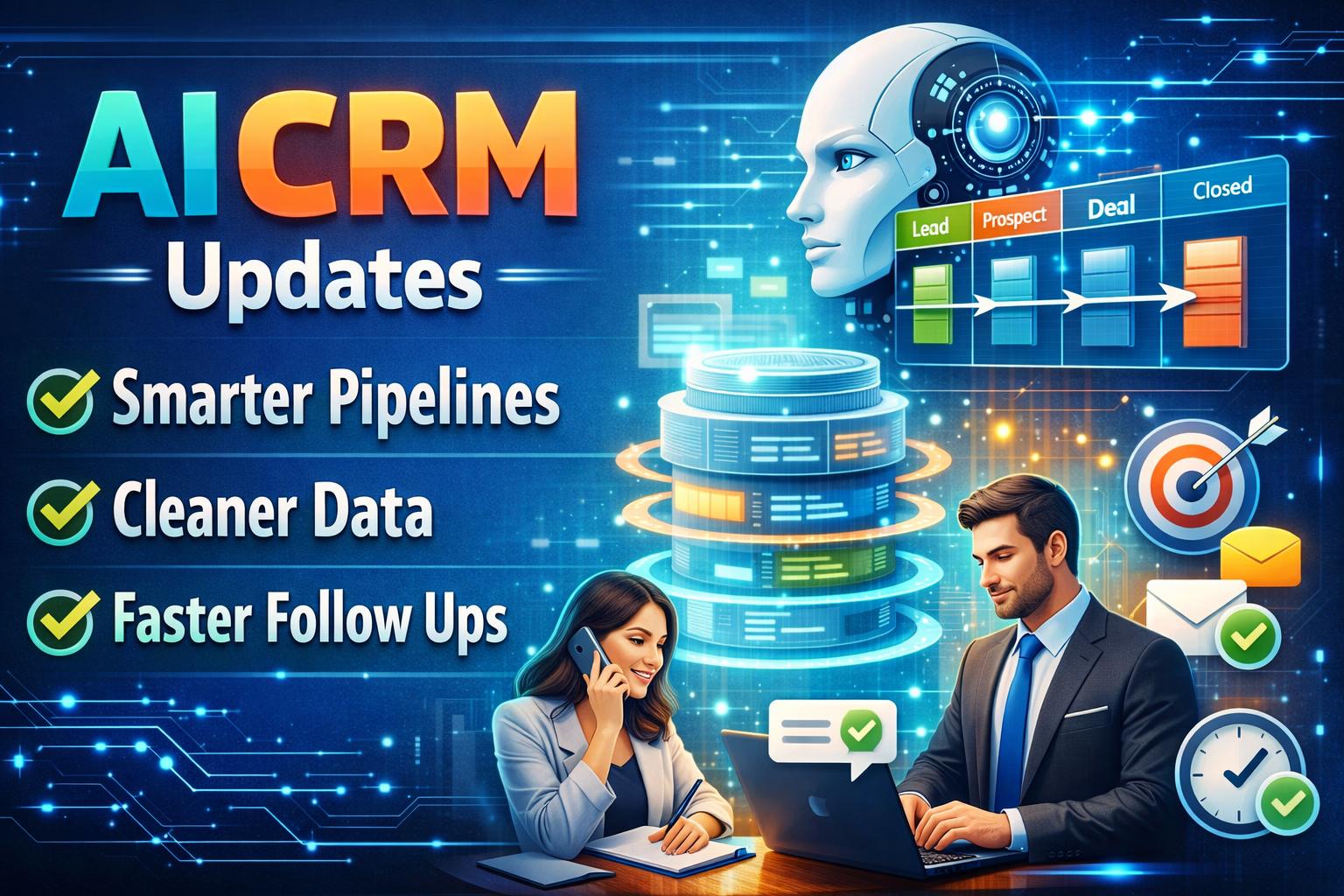
AI CRM Updates Smarter Pipelines Cleaner Data Faster Follow Ups
This Week in CRM: Smarter Pipelines, Cleaner Data, Faster Follow-Ups
Customer relationship management is getting a noticeable upgrade this week as CRM platforms continue to lean into AI tools and automation to reduce manual work and improve sales team consistency. The biggest theme: fewer tabs, fewer spreadsheets, and more actions happening directly inside the CRM where teams already live.
Several CRM vendors are rolling out improvements focused on pipeline intelligence and next-step recommendations. Instead of simply tracking stages, newer AI-assisted views can highlight deals that are going cold, flag missing contact fields, and suggest follow-up sequences based on prior activity. For sales reps, that means less time deciding what to do next and more time doing it. For managers, it brings clearer forecasting signals without constantly requesting status updates.
Another standout change is the push toward better data hygiene. New automation options can detect duplicates, normalize company names, and prompt users to confirm details at the moment they’re entered. Clean data is one of the most underrated growth levers in CRM, and these updates make it easier to maintain accuracy without slowing teams down.
CRM integrations are also getting tighter. More platforms are improving native connections with email, calendars, chat, and marketing tools so that conversations and campaign activity show up in a single timeline. This is especially useful for small teams trying to build a modern CRM workflow without hiring ops specialists to keep everything stitched together.
What this means for your business: if you haven’t reviewed your CRM setup recently, this is a good week to audit automations, check pipeline stages, and add simple AI-powered reminders that prevent leads from slipping. The direction is clear: the best CRM systems are evolving into proactive assistants, not just databases.
CRM automation boosts sales follow up speed and accuracy
Turning those upgrades into everyday wins is where modern CRM automation and AI features really start to pay off. Instead of treating your CRM like a static database, teams are using it as a day-to-day command center that catches problems early and keeps revenue moving.
One practical use case is rescuing stalled deals. A sales team can rely on AI-powered pipeline intelligence to spot opportunities that haven’t had activity in seven to ten days, then trigger a recommended next step such as a call task, a personalized email draft, or a short follow-up sequence. In real life, this prevents the common “I thought someone followed up” gap and helps reps prioritize the deals most likely to close with the right timing.
Data hygiene improvements are also solving a persistent headache: duplicates and messy contact records. For example, when a new lead enters from a form, automation can normalize the company name, detect a duplicate domain, and prompt the rep to confirm missing fields like role, phone number, or region before the record becomes part of the pipeline. Teams report fewer bounced emails, cleaner segmentation, and more accurate reporting when these checks happen at the moment of entry.
Another high-impact scenario is consolidating communication across tools. With tighter integrations between email, calendar, chat, and marketing timelines, a rep can open a deal and immediately see the full context: last email reply, meeting notes, ad click history, and support messages. This is especially useful when your website and lead capture flows are managed in Webflow, because Webflow form submissions can sync directly into the CRM and trigger follow-up automations instantly.
For small teams, the biggest “real world” benefit is speed without extra headcount. When Webflow leads route into the right pipeline stage automatically, and reminders are created based on behavior, managers spend less time chasing updates and more time coaching. If you’re running campaigns or landing pages in Webflow, pairing that with CRM automation is one of the fastest ways to improve follow-up time, reduce lead leakage, and keep forecasts reliable.
AI Powered CRM Automation for Faster Sales Pipelines
This Week in CRM: Smarter Pipelines, Cleaner Data, Faster Follow-Ups
Customer relationship management is getting a noticeable upgrade this week as CRM platforms continue to lean into AI tools and automation to reduce manual work and improve sales team consistency. The biggest theme: fewer tabs, fewer spreadsheets, and more actions happening directly inside the CRM where teams already live.
Several CRM vendors are rolling out improvements focused on pipeline intelligence and next-step recommendations. Instead of simply tracking stages, newer AI-assisted views can highlight deals that are going cold, flag missing contact fields, and suggest follow-up sequences based on prior activity. For sales reps, that means less time deciding what to do next and more time doing it. For managers, it brings clearer forecasting signals without constantly requesting status updates.
Another standout change is the push toward better data hygiene. New automation options can detect duplicates, normalize company names, and prompt users to confirm details at the moment they’re entered. Clean data is one of the most underrated growth levers in CRM, and these updates make it easier to maintain accuracy without slowing teams down.
CRM integrations are also getting tighter. More platforms are improving native connections with email, calendars, chat, and marketing tools so that conversations and campaign activity show up in a single timeline. This is especially useful for small teams trying to build a modern CRM workflow without hiring ops specialists to keep everything stitched together.
What this means for your business: if you haven’t reviewed your CRM setup recently, this is a good week to audit automations, check pipeline stages, and add simple AI-powered reminders that prevent leads from slipping. The direction is clear: the best CRM systems are evolving into proactive assistants, not just databases.
Turning those upgrades into everyday wins is where Make and HubSpot automation become a real business opportunity, especially when your lead capture runs through Webflow. Here are two “build from scratch” examples that you can productize.
Example 1: Lead temperature scoring service for HubSpot users
Create a done-for-you system that takes Webflow form fields like budget, timeline, role, and company size, sends them into HubSpot, then uses Make to assign a score and segment each contact as cold, warm, or hot. In Make, build scenarios that tag leads, route hot leads to an SDR pipeline, and notify Slack or email instantly. Sell this as a monthly retainer to Webflow-based B2B sites that need faster follow-up.
Example 2: Data hygiene and dedup tool built as a recurring ops package
Offer a CRM cleanup automation that watches every new Webflow submission, normalizes company names, checks domains for duplicates, and prompts reps to confirm missing fields before the record hits the pipeline. In HubSpot, enforce required properties and create tasks when critical data is missing; in Make, run the duplicate checks and auto-merge rules. Position it as “clean CRM, cleaner reporting” for teams that depend on accurate forecasting and segmentation across Webflow campaigns.
Related Posts

.png)

Contact Us
- Webflow\Wordpress\Wix - Website design+Development
- Hubspot\Salesforce - Integration\Help with segmentation
- Make\n8n\Zapier - Integration with 3rd party platforms
- Responsys\Klavyo\Mailchimp - Flow creations
.svg)




